
Rujukan Laman

uwin88 App – Android, iOS dan APK untuk Malaysia

The uwin88 app puts your full account — slots, live casino tables, sportsbook and wallet — in your pocket, available wherever local law permits.

AndroidiOSAPK 30MBPush AlertsFingerprint Login
uwin88 uwin88 App – Android, iOS dan APK untuk Malaysia
uwin88 Slot, Live Tables dan Betslip dalam Satu App

Slot, Live Tables dan Betslip dalam Satu App

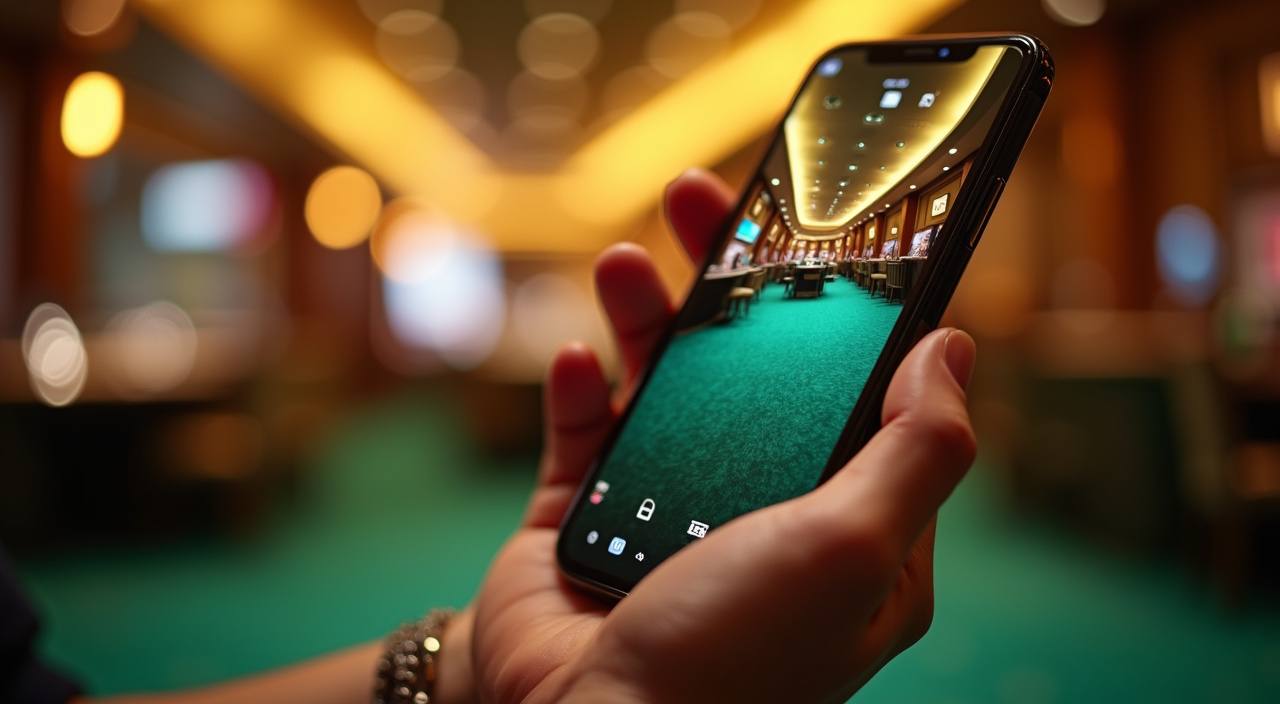
The uwin88 app is built so you can switch between Aviator, live baccarat tables and your sportsbook betslip without reloading a browser page. Push notifications tell you when a round closes or when your withdrawal is processed. Quick deposit is built into the wallet screen — tap once, choose your amount, and the funds appear in your balance. Fingerprint and face-unlock keep

sign-in fast on both Android and iOS devices.

FUNGSI UTAMA APP

Six App Features Worth Knowing

From biometric login to an offline lobby preview, the uwin88 app adds functionality that the mobile browser cannot match.

01
Biometric Sign-In Fingerprint and face-unlock work on supported Android and iOS handsets. You skip the password screen entirely, and your session token refreshes automatically so you stay logged in securely.
02
Push Notifications The app sends real-time alerts when a live table round opens, when your deposit clears, or when a withdrawal is approved — so you never have to keep refreshing your account page.
03
Dark Mode Display Switch between light and dark themes inside Settings. Dark mode reduces glare during night sessions and extends battery life on AMOLED screens common in mid-range Malaysian handsets.
04
Offline Lobby Preview Browse game thumbnails and read table limits even when your connection drops. The app caches the lobby grid locally so you can plan your session before your signal returns.
05
Quick Deposit Widget A shortcut on the home screen lets you top up your balance in two taps. Select your amount, confirm via Touch 'n Go, GrabPay, Boost atau FPX, and funds appear without leaving the lobby.
06
Session History Log Every bet, deposit and withdrawal is listed in the in-app history panel with timestamps. You can filter by game type or date range and export the log for your own records.
uwin88 Install the uwin88 App in 3 Steps

Install the uwin88 App in 3 Steps

Installing the uwin88 app on Android takes under two minutes. iOS users download directly from the App Store link on this page. Android users follow the APK route below — no third-party store required, only the file from uwin88.mobi.

  • Step 1 – Download the APK — Tap the Download button on uwin88.mobi. Your browser saves the APK file to your Downloads folder. The file is signed with our certificate so your device can verify it has not been altered.
  • Step 2 – Allow Install from This Source — Open your phone Settings, go to Apps, then Special App Access, and enable Install Unknown Apps for your browser. This is a one-time step; you can turn it off after installation is complete.
  • Step 3 – Open and Sign In — Tap the APK file in Downloads and follow the on-screen prompts. Once installed, open the app, enter your uwin88 username and password, then set up fingerprint login from the Security menu.
SYARAT PERANTI

Device and System Requirements

The uwin88 app runs on a wide range of Android and iOS devices common in Malaysia. Check the minimum requirements below before downloading to make sure your handset can handle live-streaming tables…

01

Android Version

Android 8.0 (Oreo) or later. Most handsets sold in Malaysia after 2019 meet this requirement out of the box.

02

iOS Version

iOS 13.0 or later. Compatible with iPhone 8 and newer, as well as iPad Air 3rd generation and above.

03

RAM

Minimum 2 GB RAM recommended for standard slot and table play; 3 GB or more for smooth live-video streaming.

04

Storage Space

The APK is approximately 30 MB. Allow an additional 50 MB for cached lobby data and session logs.

05

Supported Regions

Available where local law permits. Access depends on your jurisdiction; check whether online gaming is permitted under your local regulations before downloading.

SKRIN DALAM APP

What You See Inside the uwin88 App

Every screen in the app is arranged so the thing you want next is one tap away.

uwin88 mobile gaming
Live lobby preview
Slot favourites shelf
Quick bet slip
Account and wallet access
Push alert centre
Dark mode toggle
BANTUAN PENGGUNA APP

Help When the App Needs Attention

If the app does not install correctly or your session drops unexpectedly, our support team can walk you through the fix.

In-App Support Chat Tap the chat bubble icon from any screen inside the app. A support agent responds during operating hours. You can share your device model and Android or iOS version directly in the chat for faster resolution.
Email Support Send your issue to the support address listed on uwin88.mobi. Include your username, the app version number from Settings, and a short description of what went wrong so the team can reproduce the issue.
Install Troubleshooting Page The uwin88.mobi help section covers the most common install errors — blocked APK, storage-full warnings and certificate prompts. Each entry lists the exact setting to change on your Android model.
KESELAMATAN APLIKASI

How We Keep the App Safe for Your Account

Every build of the uwin88 app is signed with a certificate tied to our domain before it is published.

Code Signing Certificate

Each APK release is signed before upload. Your Android device checks the certificate on install; if the signature does not match our key, installation halts automatically so no tampered copy can run.

Direct Download Only

We distribute the APK exclusively through uwin88.mobi. Files sourced from third-party app stores or file-sharing sites are not our releases and may carry modified code.

Encrypted Data in Transit

All communication between the app and our servers uses TLS encryption. Your login credentials, game results and balance data travel over an encrypted channel at all times.

Account-Recovery Flow

If you lose access to your phone, log in on any browser, go to Security Settings, and revoke the old device session. A verification code to your registered email resets access in under five minutes.

Session Timeout Control

You set the idle timeout length in the app's Security menu — from five minutes to one hour. The session closes automatically after the period you choose, reducing risk if you leave the app open.

Version-Update Alerts

The app checks for a newer signed build each time it launches. When one is available, a banner prompts you to update from uwin88.mobi — not from a store — so you always run the current certified version.

App vs Mobile Browser – A Practical Look

The mobile browser gives you access to uwin88 without any installation. The app adds features the browser cannot provide — stored preferences, push alerts and biometric login chief…

Login Speed
The app signs you in with fingerprint in under two seconds. The mobile browser requires you to type your username and password each session unless the browser has saved your credentials.
Push Notifications
Only the app sends push alerts to your lock screen. The mobile browser cannot notify you when a round closes or a withdrawal is processed unless you keep the tab active.
Offline Lobby Preview
The app caches game thumbnails and table limits locally so you can browse the lobby without a live connection. The mobile browser shows a blank screen or error page when connectivity drops.
Dark Mode
The app's dark theme is separate from your phone's system theme, so you can run it in dark mode even while other apps stay in light mode. The browser follows the system setting only.
Storage Footprint
The app uses approximately 80 MB including cached data. The mobile browser uses no extra storage beyond standard cache, which it clears automatically, removing your saved preferences.
Update Path
App updates come with a version-check banner inside the app; you tap once to download the new signed APK from uwin88.mobi. Browser access updates instantly with no action needed from you.

Frequently Asked Questions About the App

Got a question about downloading, installing or using the uwin88 app? The answers below cover the situations our support team hears about most often — from APK trust prompts to iOS availability and fingerprint setup.

Download the APK directly from uwin88.mobi — look for the Download App button. We do not list our APK on third-party stores, so the site download is the only source carrying our signed certificate.

Yes, an iOS build is available. Tap the iOS download link on uwin88.mobi and you will be directed to the App Store listing. It requires iOS 13.0 or later, which covers iPhone 8 and newer models.

Android shows this prompt for any APK not from the Play Store. Tap Settings on the prompt, enable Install from this source for your browser, then return and tap Install. You can disable the permission again afterwards.

After your first password login, open the app menu, go to Settings then Security, and tap Enable Biometric Login. Follow the on-screen steps; your device's fingerprint sensor or face-unlock is linked to your account session.

Yes. Open the wallet screen inside the uwin88 app, tap Deposit, and select Touch 'n Go, GrabPay, Boost atau FPX. The flow completes in the same app window and funds appear in your balance within moments.

First, check that your device meets the minimum requirements — Android 8.0 or iOS 13.0, at least 2 GB RAM. Clear the app cache in your phone's Settings, then try again. If the issue continues, contact us via in-app chat or email.

The app displays a banner when a new signed build is ready. Tap Update to go directly to the download page on uwin88.mobi. Install the new APK over the existing one — your account data and preferences are kept.